Recap 2027: Key Updates & Workflows
Executive Summary
The new ReCap Pro update brings a massive shift toward local processing and automated support, significantly reducing our reliance on cloud credits for mesh generation. With the introduction of Local Scan to Mesh, the AI-powered Autodesk Assistant, and better panoramic image leveling (especially for SLAM/handheld data), users will experience faster processing times, reduced cloud costs, and a much more streamlined project management workflow.
New Features
| Feature | What it Does | Impact on our workflow |
|---|---|---|
| Local Scan to Mesh | Generates segmented mesh models directly on our local workstations instead of requiring cloud uploads and Autodesk Cloud Credits. Includes custom density settings (Low/Med/High). | Massive cost and time savings. Users no longer have to wait for large uploads/downloads or pay cloud credits. Users can iterate meshes faster locally. |
| Level Panoramic Images | Automatically levels tilted or unaligned panoramic images (RealViews) when importing e57 files from handheld or SLAM scanners. | Enhances deliverable quality. Eliminates the disorientation clients or engineers face when viewing tilted RealViews, saving time on manual alignment. |
| Multiple Instances & Bulk Management | Allows you to run multiple instances of ReCap Pro simultaneously and delete multiple scans or annotations at once in the Project Navigator. | Improves multitasking. Users can work on QAing or editing one project while another heavy dataset imports or processes in the background. |
Deep Dive: New Capabilities
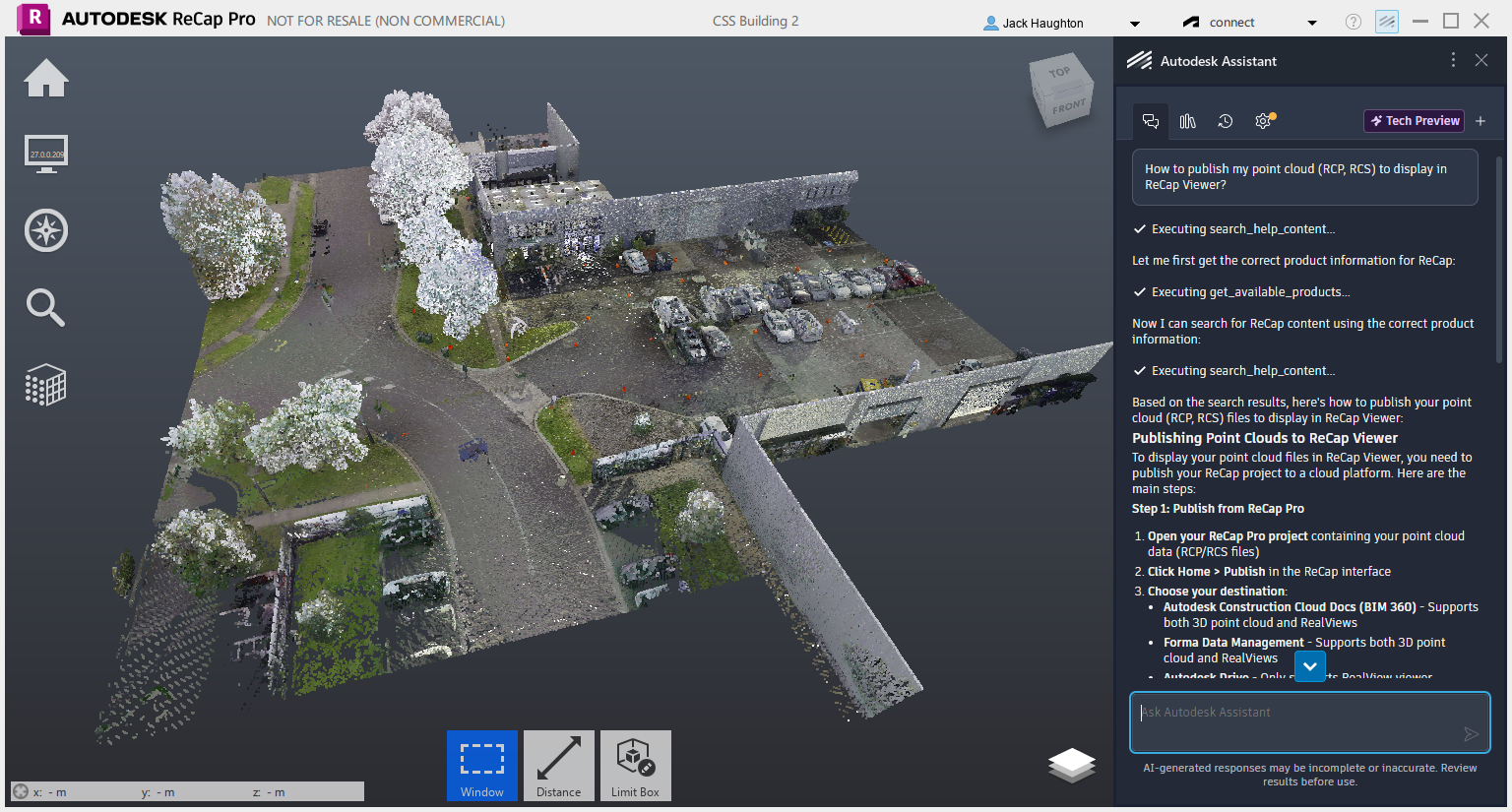
Autodesk Assistant for ReCap Pro
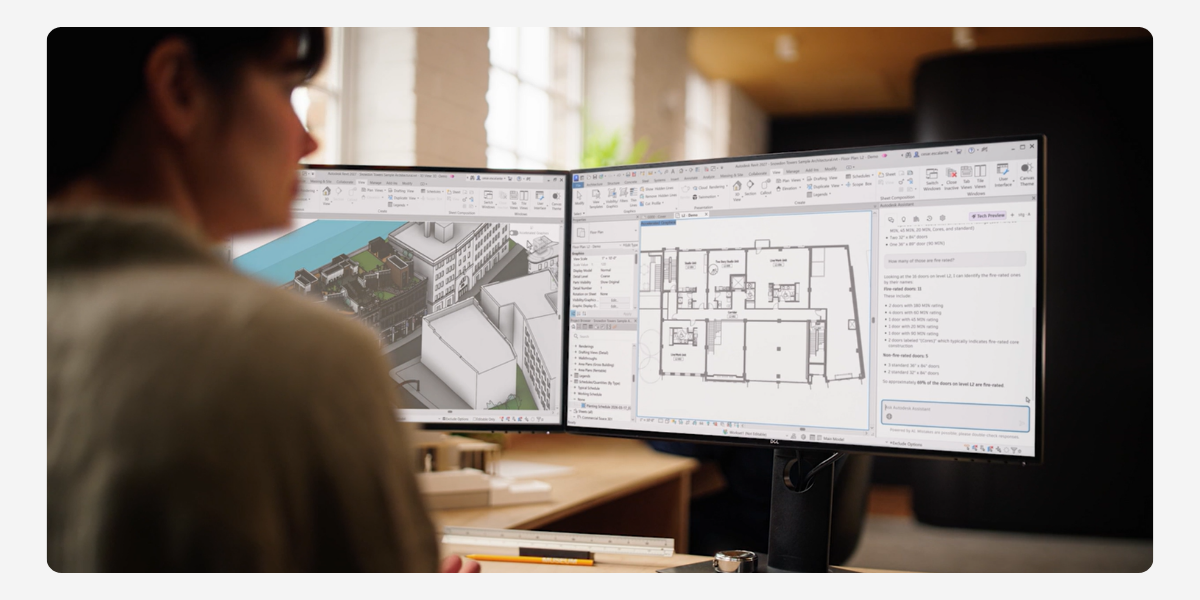
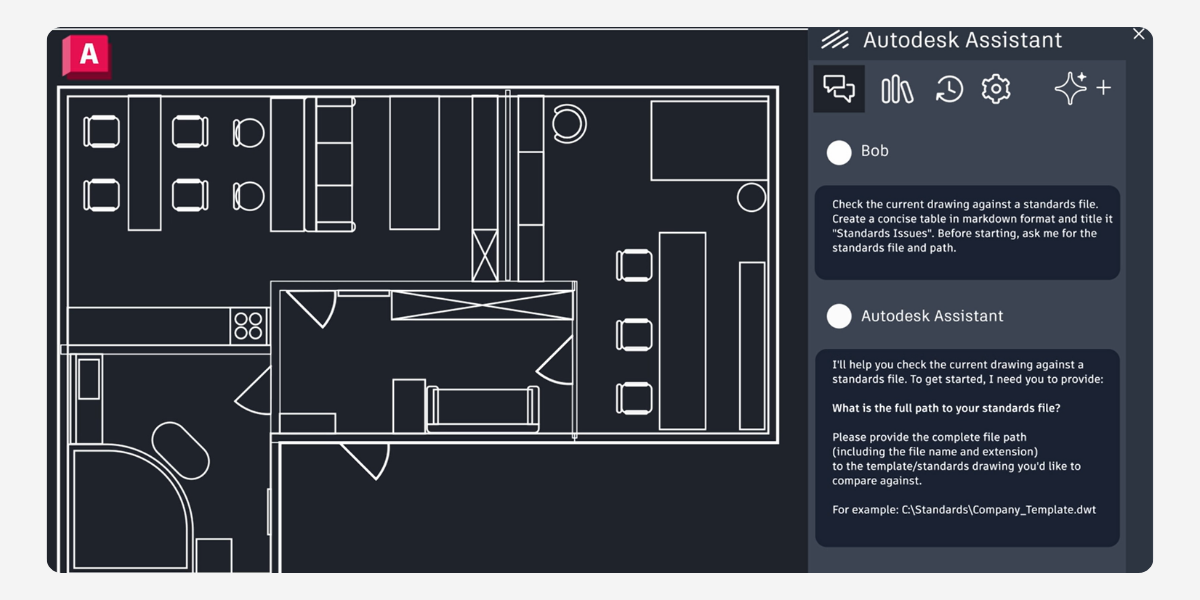
An AI-driven conversational interface built directly into the workspace. Instead of leaving the software to search forums, users can ask natural language questions (e.g., “How do I align my scan?”) and get summarized instructions, contextual support, and direct links to documentation based on their current task.
Redesigned Home & Enhanced Origin Tool
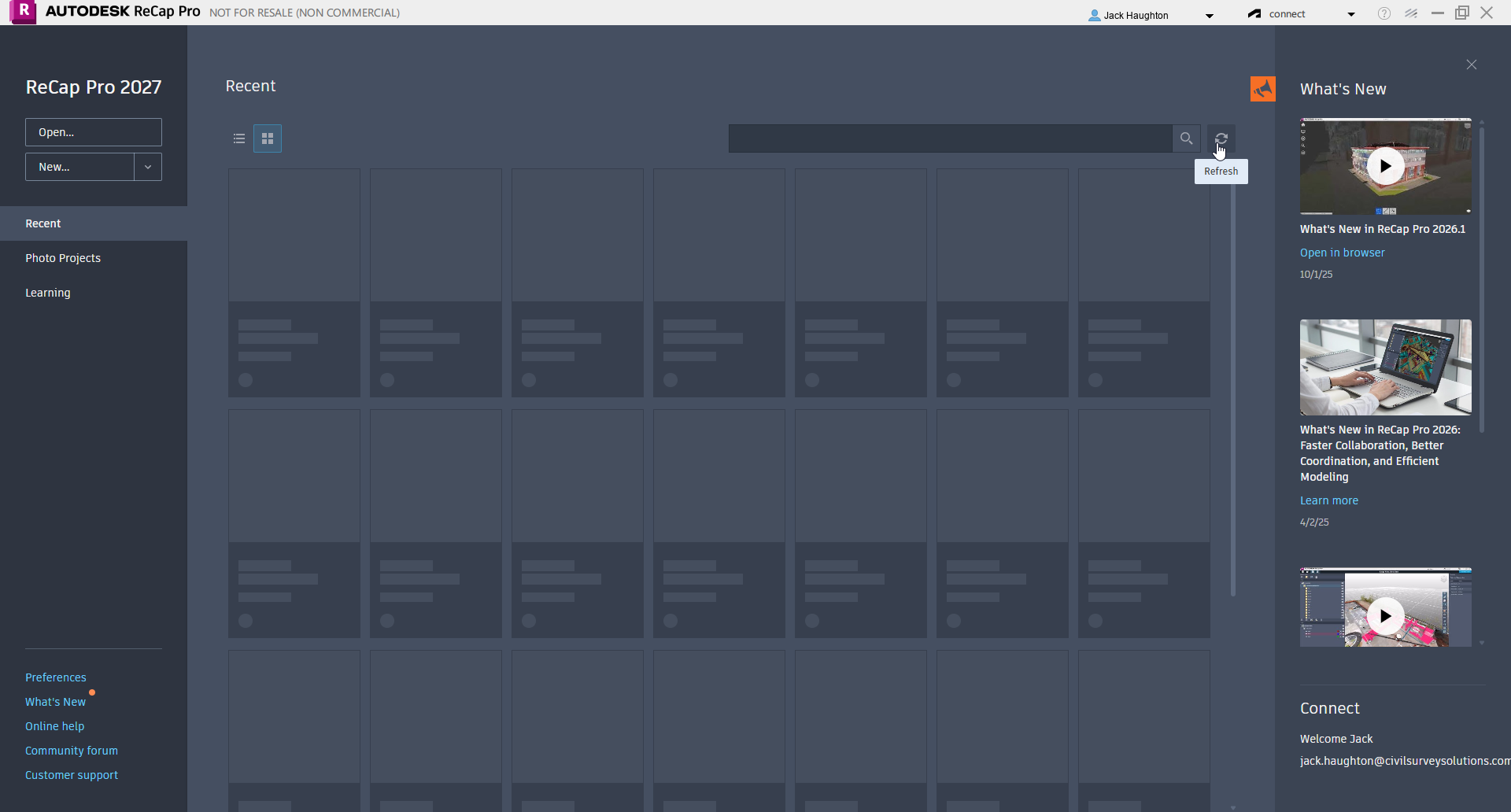
The ReCap Home screen has been overhauled for faster project access, better visual thumbnails, and easier toggling between Scan-to-Mesh and Photo-to-3D workflows. Additionally, the Update Origin Tool now includes a 2-point axis alignment and guideline feature, allowing for precise orientation without needing the origin as one of the points.
Advanced Classification & Map Integrations
You can now export classifications individually (similar to exporting regions), which allows for cleaner handoffs to Revit or Navisworks. The update also integrates ESRI Basemaps into the Map View for the Photo to 3D Ground Control Point (GCP) editor.
Official Autodesk Help Documentation
About The Author

We are the leading provider of civil engineering and survey software solutions and services in Australia.