Leveraging Copy Codes to Integrate Independent Design Strings
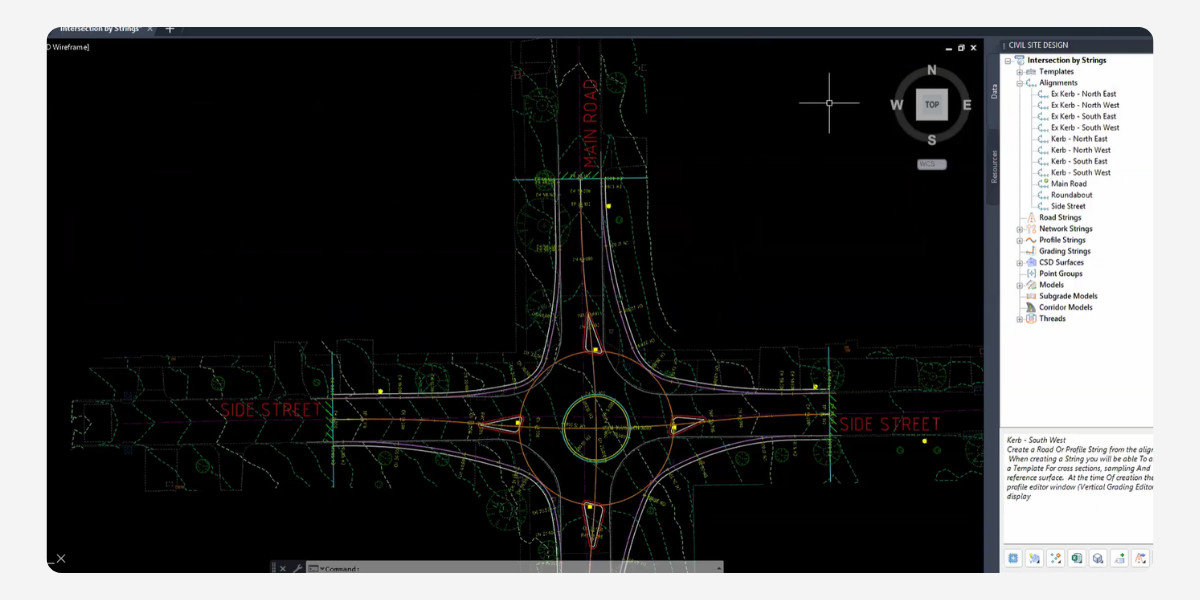
Using a pure string approach for complex intersection modelling in Civil Site Design gives civil professionals precise control over design outputs, especially when generating comprehensive long sections. However, building a model piece-by-piece requires a robust method for combining multiple independent design strings into a single, cohesive cross-section. This is where the powerful Copy Codes variation control becomes essential for civil designers.
The Challenge
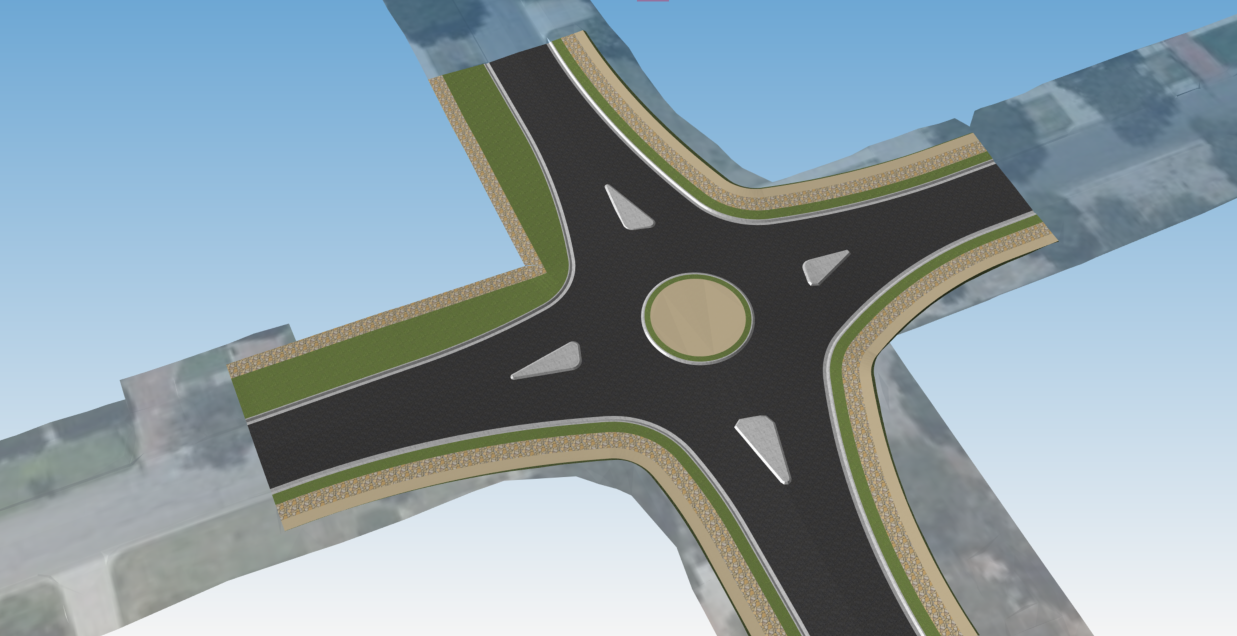
The primary design challenge arises when you need this completely independent geometry to reflect perfectly within your main road or kerb return cross-sections. Without integration, your string models remain separate, creating issues for unified cross-section plotting and accurate volume reporting.
The Solution
Use the Copy Codes variation to merge independent strings. This function takes the geometric information—specifically the offset and level—from one string and applies it to designated codes within your current string’s cross-section, resulting in a single string model composed of multiple strings.
Here is how this integration is executed step-by-step:
1. Create the Independent String
First, generate your independent string (e.g., the footpath grading from a polyline). Apply your specific template, assign the desired spacing (such as 1-metre intervals), and configure it with radial or chamfered corners as required. If you need it to match to the existing terrain, you can then drape this entire model directly onto your target survey surface to establish its vertical grading.
2. Apply the Copy Codes Variation
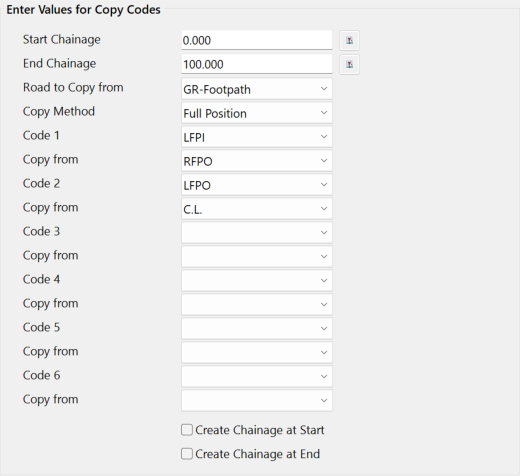
Next, open the Data Form from the ‘destination’ string and add the Copy Codes variation. Nominate Copy from codes to control codes in the ‘destination’ string.
3. Map the Geometries
Instruct the software to take the Full Position (both offset and level) from your ‘source’ string and to apply to the corresponding codes in your ‘destination’ string. For instance, you can map the inside edge of your independent footpath to dictate the location of the footpath code on your kerb string, ensuring they track together perfectly.
Cleaning Up the Model for Dynamic Control
Once you rebuild the model, the primary string will dynamically track the exact offset and level of your independent footpath model. The greatest advantage of this workflow is its ongoing flexibility: because the elements are linked via Copy Codes, you can continue to independently regrade the vertical design of your footpath string as much as you like, and the primary string model will update to reflect any changes.
Conclusion
In advanced civil intersection modelling, the ability to design elements with independent control should never compromise the unity of your final model. By mastering the Copy Codes variation in Civil Site Design, you can effortlessly merge independent strings into a single dynamic cross-section. Implementing this workflow ensures your complex models remain highly adaptable to changes while delivering precise, professional design outputs.
About The Author

We are the leading provider of civil engineering and survey software solutions and services in Australia.